Kitchen
The screen for the kitchen's iPad: you sell out a dish or an option in two taps, in high contrast. Tickets will arrive there.
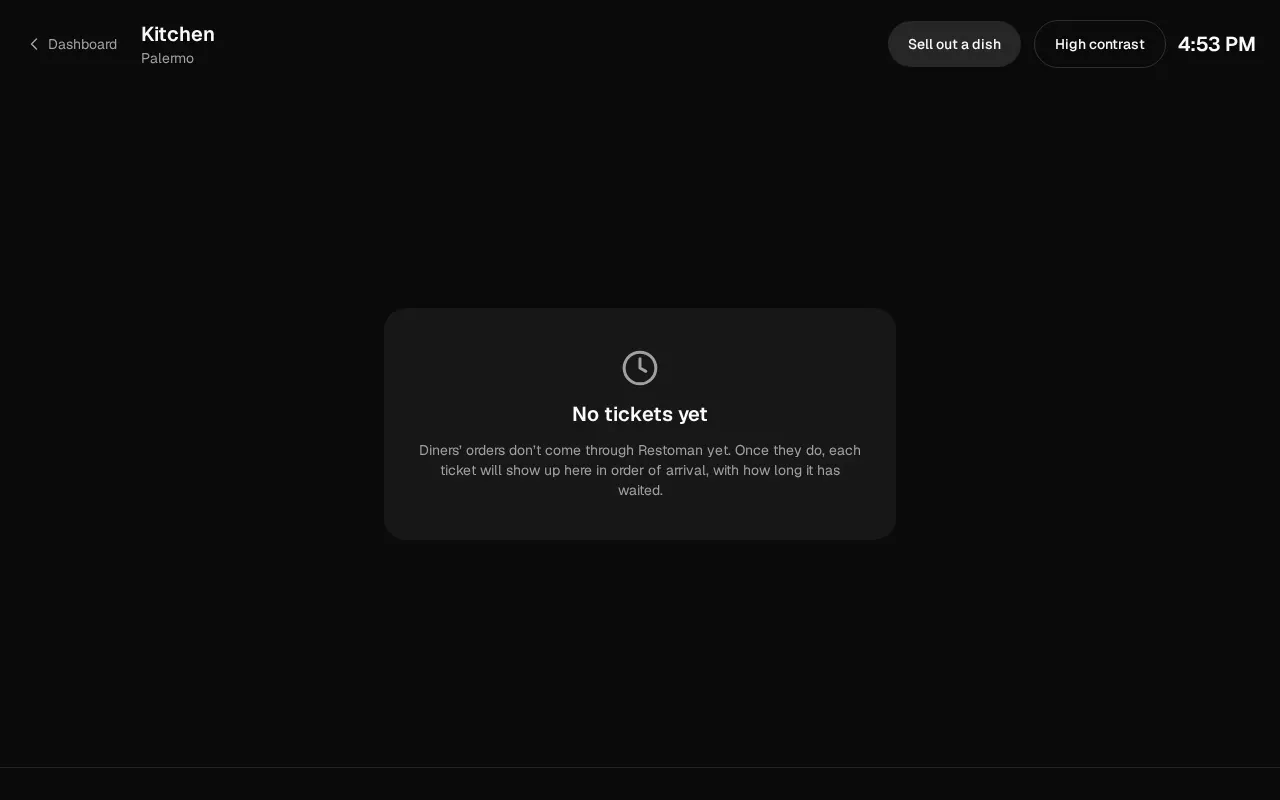
The kitchen screen fills the iPad, without the dashboard's menu. You open it with Kitchen in the left sidebar, with the restaurant chosen at the top. Dashboard, at the top left, takes you back.
The kitchen works from the printed ticket: takeaway orders reach the counter, which prints it. So the screen shows Tickets come out on paper, and is there to sell out what has run out.
Who can: whoever works at the location sees it. Selling out from there is open to the same people as Sold out: the owner, the admins, the manager, the cashier, the kitchen and the waiters, and anyone with a custom role that has "Menu: Change availability".
If you don't see Sell out a dish, the card in the middle says why: the location is archived, it serves no menu, its menu has no products yet, or your role doesn't sell out. If the business is suspended, the notice at the top says so.
Sell out a dish
- Tap Sell out a dish.
- Find it in the list, which shows every dish, or type part of the dish's or the option's name (for example, "fries").
- Below, under Sell out, tap until when (it stays selected):
- Until tomorrow: it comes back by itself at 6 in the morning, in the location's time.
- Until I reactivate it: it stays sold out until someone offers it again.
- Turn its switch off. On means "offered"; off, sold out.
The diners' menu shows it as sold out. An option such as "Fries" in "Combo" sells out in every dish that offers it: the row says how many. Tap Done to close.
What is sold out now
At the bottom left, N sold out now opens the same window with what is sold out at the location, and until when. To offer something again, turn its switch on.
High contrast
If the kitchen is bright, tap High contrast: a black background, pure white text and strong borders. It stays that way on that iPad until you tap it again.
Leaving the iPad in the kitchen
The screen asks the iPad not to sleep while it's open. If the bottom says the browser may turn the screen off, keep it plugged in with auto-lock off (Settings › Display & Brightness). To keep anyone from leaving the screen, use the iPad's Guided Access (Settings › Accessibility).